Project notes
Building this site with an AI-assisted feedback loop
How I built this site with Cursor and screenshots fed to GPT-4o, where that loop fell short, and why I later moved the content into one set of JSON files.
I do backend and AI work, and CSS is not what I want to spend my evenings on. So I built my site by showing a model screenshots and telling it what looked wrong. It worked for looks and for nothing else.
- Write a component
- Look at it in the browser
- Screenshot it
- Ask for feedback
- Apply and repeat
I wanted a site without learning design
My day job is FastAPI services, retrieval and agent workflows. Layout is the part I'd happily hand off, but I still wanted a personal site that didn't look like a template with my name pasted in. I had no design files and no reference boards, only my own pages and whatever a model would say about them.
The git history starts on 26 March 2025. From there it was Next.js, Tailwind and Cursor, with GPT-4o as the person I asked whether something looked right.
Show it a screenshot, say one specific thing
The loop was simple. Write or restyle a component in Cursor, look at it in the browser, take a screenshot, send it to GPT-4o with a goal, apply what comes back, repeat until the changes get small.
What I learned fast: "make it look better" gets you mush. A screenshot plus one observation gets you something you can act on. The heading has too little contrast. The content column is too wide. The mobile header runs off the screen. The model could point at the actual element instead of guessing from my description, and after a while I started spotting spacing problems before it did.
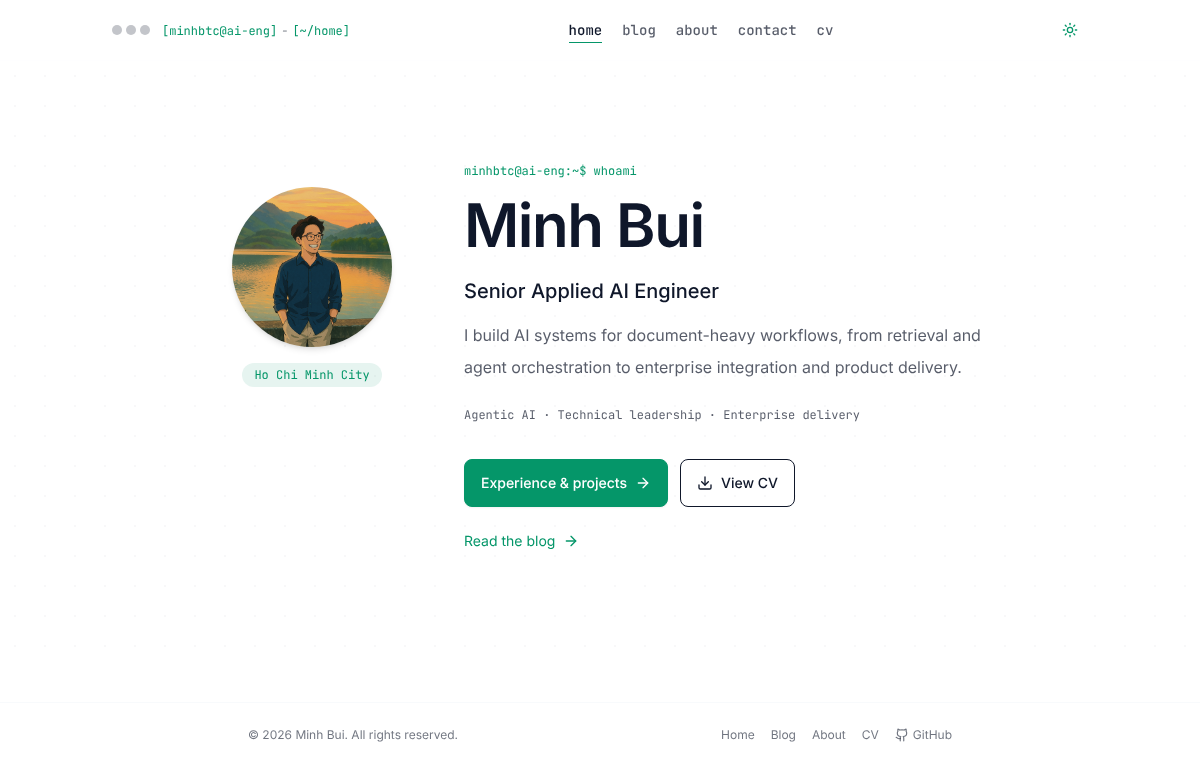
The hero section is the example I remember best. It began as a heading, a default paragraph and a button with no hover state. A few rounds later it had proper spacing, different font weights and a secondary button. I never would have thought of the second button. I didn't keep screenshots of that first version, so the one below is today's home page, which was redesigned later.
A screenshot can't tell you the build is broken
Screenshots only help with how a page looks. The history has a run of 14 commits titled "fix bug vercel", 13 on 29 March and one on 30 March. That is what getting the first deployment to build looked like, and a picture of a correct local page told me nothing about it.
The same goes for content. A model can say the hierarchy is off. It can't see whether a sentence in a project description is true. That's why I stopped treating the visual loop as the whole review.
One set of JSON files for the site and the CV
Profile, experience, projects, skills and education live as JSON in src/db. The pages render them, and scripts/build_resume.py builds the CV PDF from the same files. There's a second mode, npm run resume:check, that compares a hash of the sources with the committed manifest and checks that every experience and project bullet shows up in the PDF text. If I edit the data and forget to rebuild, the check fails.
I serve a PDF I've actually looked at instead of generating one in the visitor's browser. What people download is what I reviewed, and the site doesn't ship a PDF library.
One mistake came out of this. When I picked a short project list for the CV, I also removed the older projects from the About page. Now About shows everything and each project has a resume flag that only the PDF reads. Archive projects get the flag turned off, not deleted.
for project in (item for item in load('projects') if item.get('resume', True)):
    expected += [project['title'], *project.get('points', [])]
Shared components for posts
My early posts each carried their own markup. In the redesign I moved to a small set of shared article components in src/components/post and wrote the rules into docs/blog-style-guide.md: neutral surfaces, one accent colour, alt text and a caption on every image. The commit that did this is mine, with a Claude co-author trailer.
Posts like this one are now JSON files in src/content/project-stories, so a new write-up is content rather than a new page.
What I checked, and what I'd do next
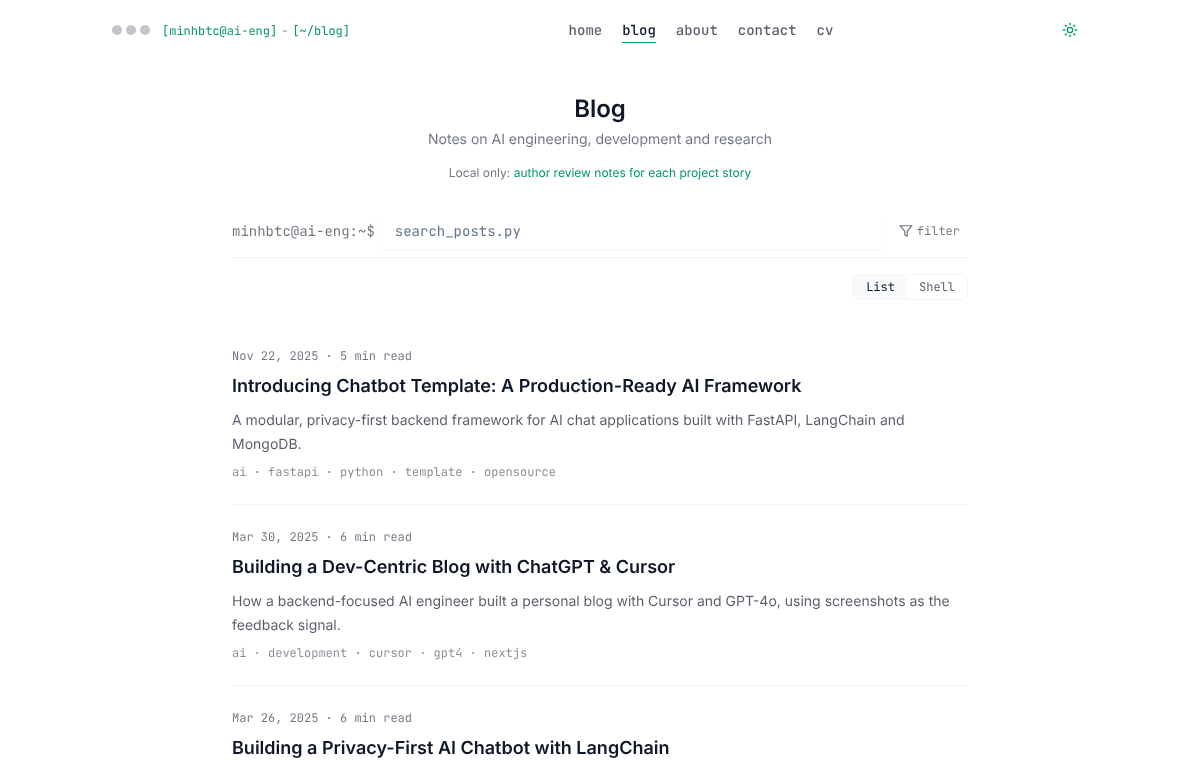
After the redesign I went through the site at 320, 390, 768 and 1280 pixels. That caught a header overflow I'd never have seen on desktop. The production build generated 17 pages, but the Next config skips lint and type checks, so a green build means less than it sounds like. Fixing the older files and turning those checks back on is on my list.
I never measured how much time the screenshot loop saved, so I can't give you a number. I also once wrote about a local agent that would watch the dev server, screenshot on every change and send the images to a model. I haven't built it. If I did, I'd store a screenshot per page and theme first, so a broken layout shows up as a diff instead of depending on me noticing.
Takeaways
- A screenshot plus one specific observation beats a general request to improve a page.
- Visual feedback says nothing about builds, deployments or whether written claims are true.
- One JSON source for the site and the CV, with a per-project flag, keeps them from drifting.
- A passing build means little when lint and type checks are skipped.
References
- Website source
- Next.js documentation · App Router and framework reference
- Tailwind CSS documentation
- DaisyUI documentation · component and theme tokens
- Mermaid documentation · diagram syntax used in the articles
- Cursor · the AI-assisted editor used for the first version